
Feature Friday: How to Manage Your Content Folders

 | Updated on Apr 29, 2025

1 min read Resource Center
Feature Friday: How to Manage Your Content Folders

Do you like to keep your content organized? 

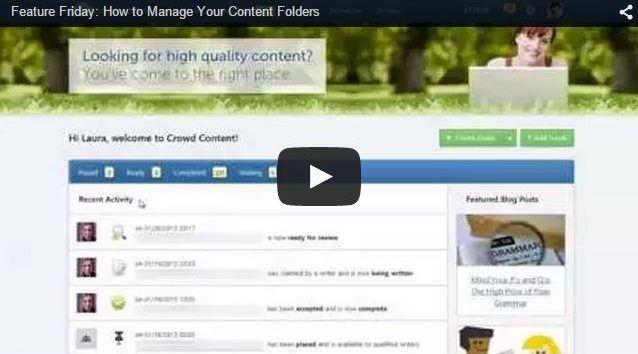
This week’s feature showcases how you can easily delete and rename your content folders. Additionally, Curtis demonstrates how you can drag content from one folder into another. 

This is a great feature for content marketers with high volume of content, and for e-tailers who like to keep their product descriptions organized.

If you have any questions about this feature, do not hesitate to contact your account manager.

Nissa Wallace

Helping manage over 15,000 clients from over 80 countries, Nissa works with the customer success team at Crowd Content. Her goal is to help clients create unique and relevant content for their digital strategy. Originally from a small town in the mountains, Nissa moved to Vancouver Island to satisfy her curiosity about sociology, and complete her degree in it. When she takes a break from clients and content, Nissa spends time with her partner and her dog, Tickle. She also loves to embroider, paint and draw.

stellar blog

Take your content to the next level with Stellar!

Ensure your writers have the tools to produce quality content that ranks on Google.

More Blogs

How to Do a SERP Analysis at the Content Planning and Brief Stages

A topic can look perfect in a content plan and fall apart the moment you search it. The keyword has volume. The angle ...[ continue reading ]

Content Quality Assurance: A Review Workflow for High-Volume SEO Programs

Publishing more content isn't what breaks quality. Adding writers, editors, briefs, and handoffs faster than you add control is. I've watched capable programs ...[ continue reading ]

Creating Content that Works for You (Part 1)

Know What You and Your Audience Want What gets your audience going? Content creation might seem like a challenging task but the right ...[ continue reading ]